

How to Set Up Ford SYNC® – Step-by-Step Guide for Leesburg, FL Owners
How to Set Up Ford SYNC® – Step-by-Step Guide for Leesburg, FL Owners
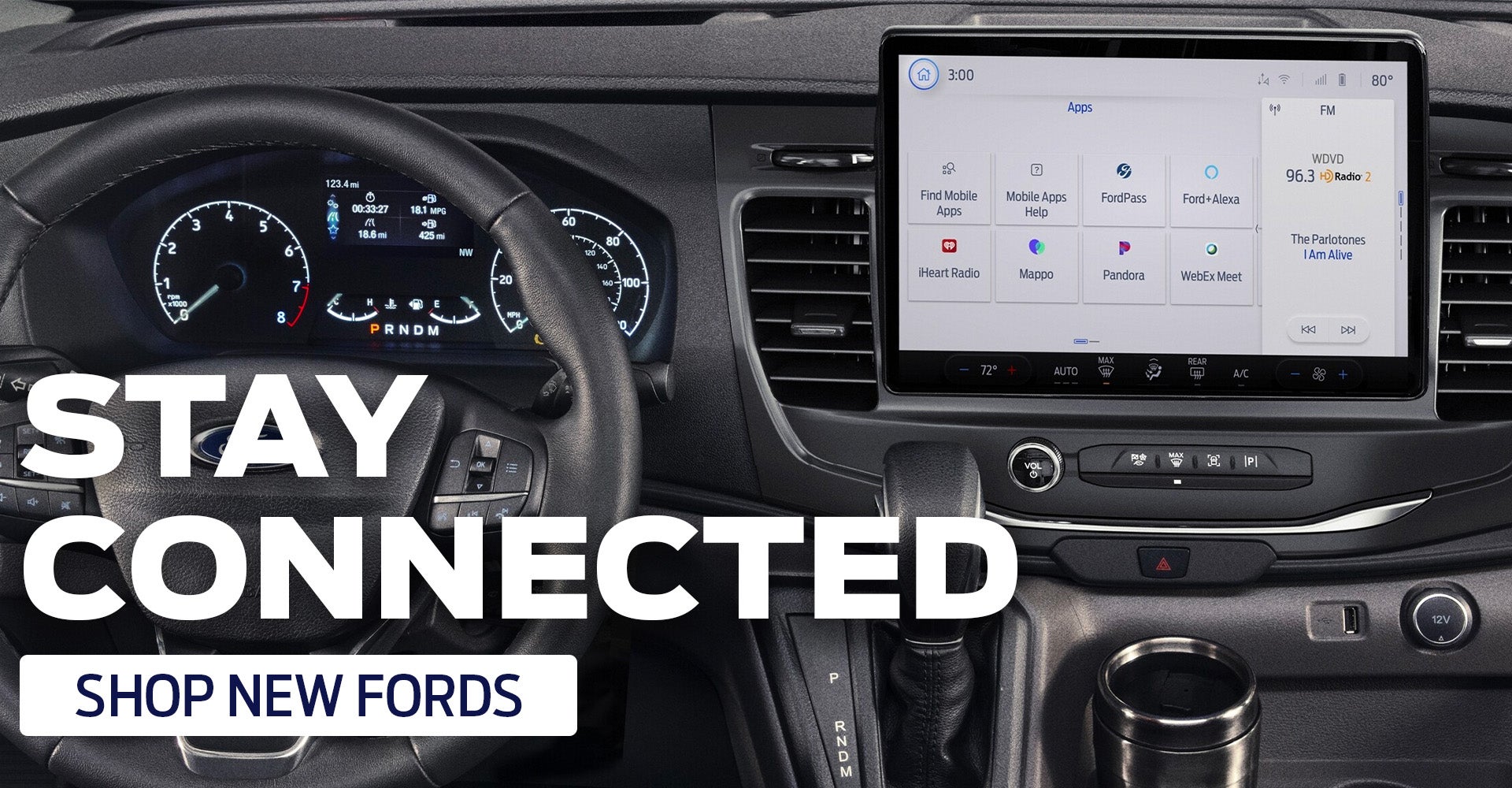
Ford SYNC®: Connectivity Made Easy
Looking to set up Ford SYNC®? You're in the right place. We want to assist you with your Ford Bluetooth SYNC® setup so you can get the most out of your driving experience. Whether you're connecting your smartphone for hands-free calls or streaming your favorite playlist, we’ll walk you through everything you need to get started with Ford SYNC®. Watch our video guides, explore expert tips, and swing by Key Scales Ford to experience this innovative tech in action. Check out the video tutorial below, learn our top tips, and visit Key Scales Ford to find your dream car!

How to Connect Your Phone to Ford SYNC®
We’ve compiled a list of steps to take to ensure your Ford SYNC® setup goes as smoothly as possible. To enjoy all the connectivity features your Ford has to offer, follow these steps to set up your Ford SYNC® account:
- Turn on your smartphone
- Start the engine and make sure your radio is on
- Open the Settings app on your device, enable Bluetooth as visible
- In the Ford SYNC® settings, select “Phone” and then “Add” to pair your phone with your vehicle
- SYNC® will ask you to “Search for SYNC® on your device”
- Locate your phone’s Bluetooth menu, then select “Ford SYNC®”
- A six-digit PIN will display on your SYNC® screen; confirm the numbers match. If there is no PIN that appears on your device, type in the six-digit PIN
- After entering the PIN, you will receive a message confirming a successful pairing
- A phone pairing pop-up will display. Select “Yes” to download your contacts and recent call history
- Now you can complete and receive calls via voice activation and your steering wheel controls
- Now that your Ford SYNC® setup is complete, you will be able to access your phone menu on your SYNC® Infotainment screen
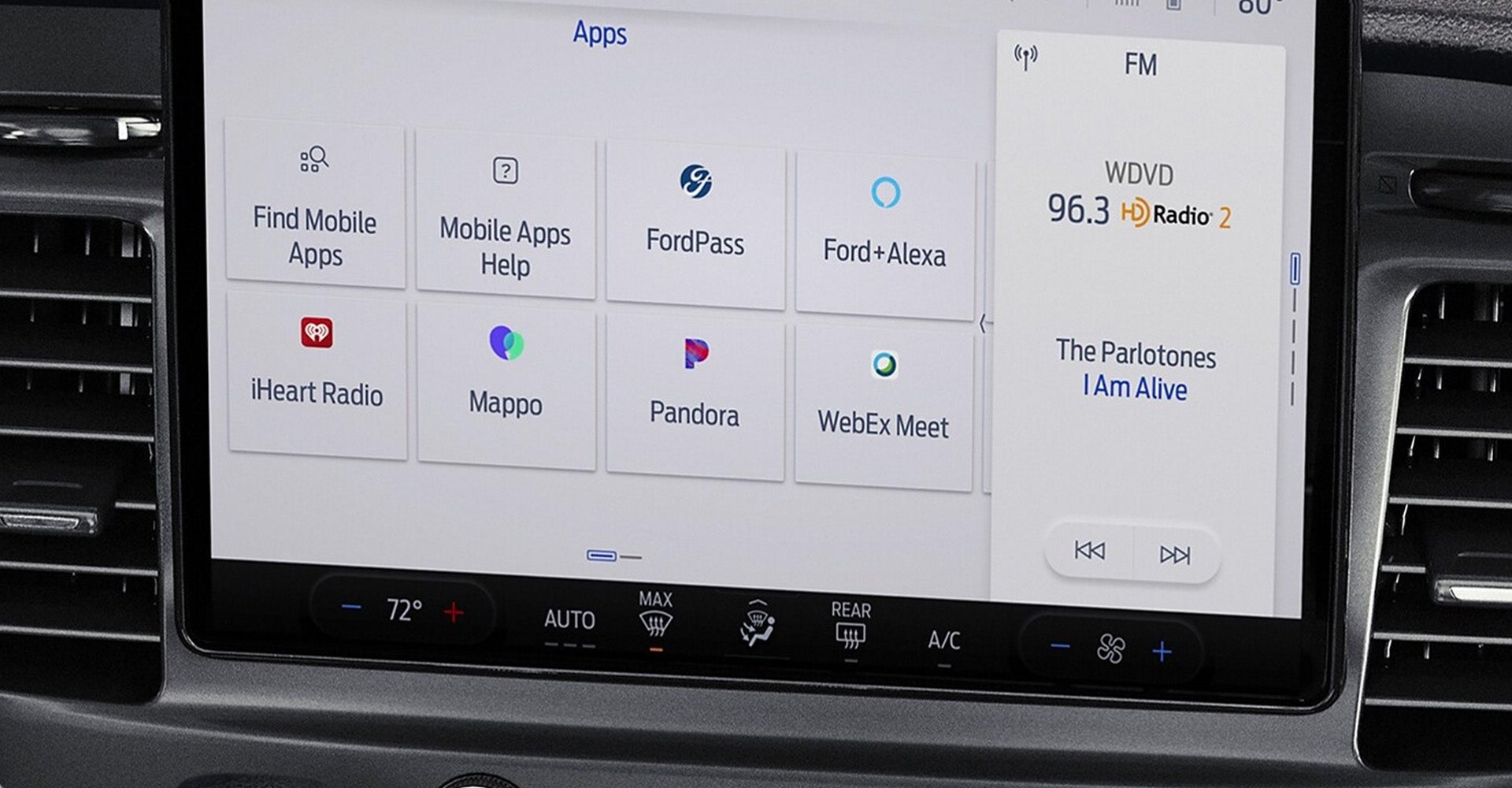
Sophisticated Technology
With your setup complete, you're ready to unlock a suite of smart features that keep you connected and in control. Ford SYNC® makes every drive smarter and more enjoyable with:
|
Hands-free calling |
|
Turn-by-turn navigation |
|
Music search |
|
Vehicle health report |
|
News, sports, and weather |
|
Business search |
|
Real-time traffic |
|
911 assist |
|
Audible text messages and more! |
Get Connected at Key Scales Ford
Don’t just imagine next-level connectivity—experience it. Visit Key Scales Ford to explore our lineup and learn more about how to set up Ford SYNC®. Whether you're shopping for your dream car or just need a tech walkthrough, we're here to help you every step of the way. Visit Key Scales Ford to find the vehicle of your dreams and learn more about Ford SYNC® setup today!
| Monday | 8:30AM - 7:00PM |
| Tuesday | 8:30AM - 7:00PM |
| Wednesday | 8:30AM - 7:00PM |
| Thursday | 8:30AM - 7:00PM |
| Friday | 8:30AM - 7:00PM |
| Saturday | 8:30AM - 6:00PM |
| Sunday | Closed |
| Monday | 7:30AM - 5:00PM |
| Tuesday | 7:30AM - 5:00PM |
| Wednesday | 7:30AM - 5:00PM |
| Thursday | 7:30AM - 5:00PM |
| Friday | 7:30AM - 5:00PM |
| Saturday | 8:00AM - 1:00PM |
| Sunday | Closed |
| Monday | 7:30AM - 5:00PM |
| Tuesday | 7:30AM - 5:00PM |
| Wednesday | 7:30AM - 5:00PM |
| Thursday | 7:30AM - 5:00PM |
| Friday | 7:30AM - 5:00PM |
| Saturday | 8:00AM - 1:00PM |
| Sunday | Closed |